Professional –
Microsoft Mesh & Avatars for Teams
The shared UI, avatar editor, and rendering systems I worked on for Microsoft Mesh and Avatars in Teams, shipped weekly in 20+ languages to millions of users.
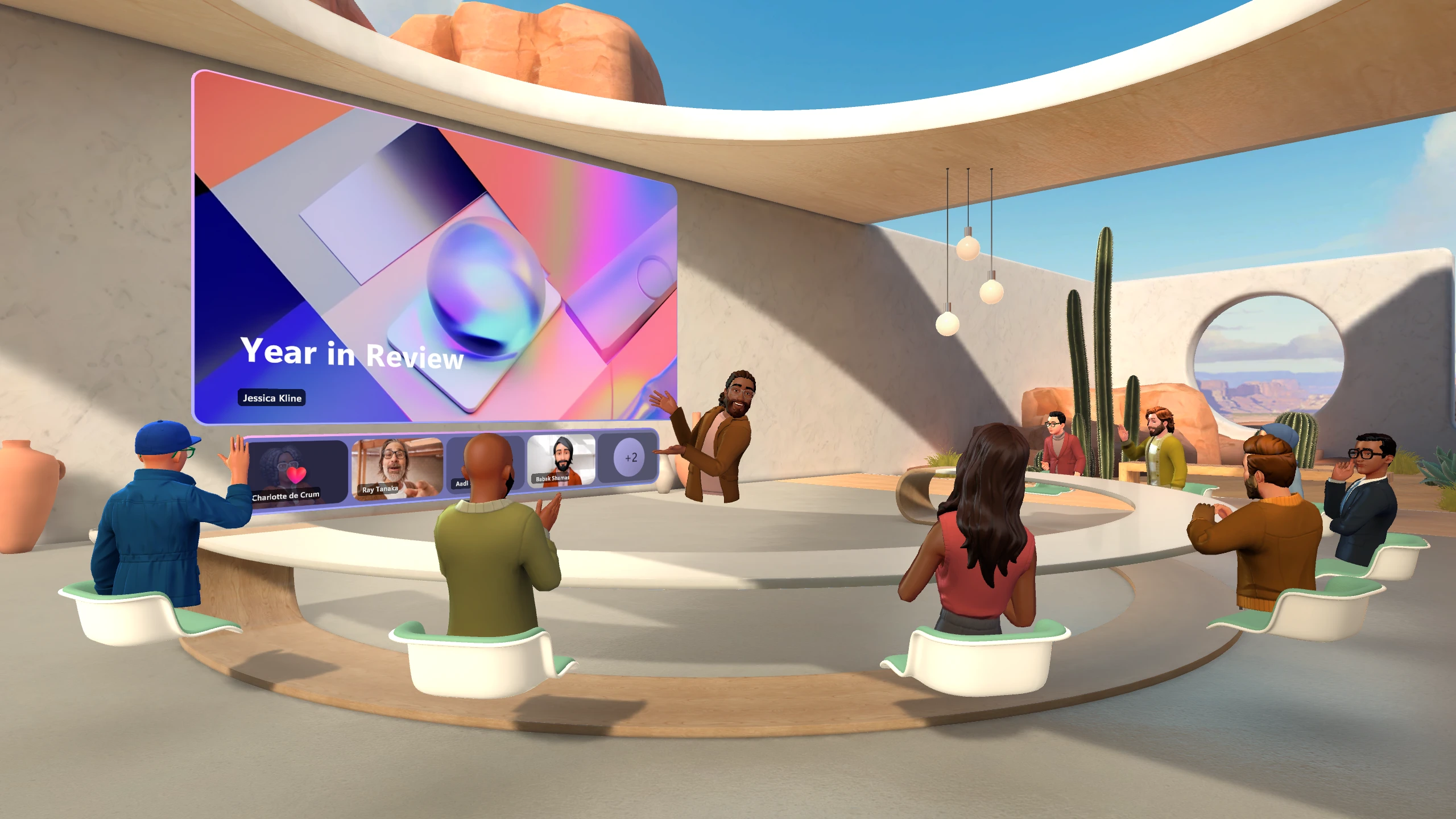
I worked on Microsoft Mesh and Avatars for Teams from June 2022 to September 2024. My focus was the shared UI, avatar editor, and rendering systems, which shipped weekly in more than 20 languages to millions of users. The goal was to let someone use the same avatar in a Teams meeting, a desktop immersive event, or VR without it feeling like a different character each time.

One avatar, several runtimes
We wanted to bring more body language and a sense of shared space into meetings. That had to work on an ordinary laptop as well as a headset.
A small meeting tile, a crowded desktop event, and a Quest session have different performance budgets and input models. Getting the same avatar to look and move consistently across them was harder than any single 3D scene.

What I worked on
Cross-platform UI (UXTools)
I contributed to the shared UI toolkit used across desktop, web-hosted surfaces, and VR clients. I designed components for both 2D pointer input and 3D hand and controller input, so other teams could reuse our theming, accessibility, focus, and input-routing patterns instead of rebuilding them.
Avatar customization
I built the main editor for bodies, faces, hair, outfits, and accessories, working with design and art teams. We needed enough choice for people to represent themselves without making the first visit overwhelming. I also tuned loading and asset swaps to keep the live preview responsive within the memory limits of lower-end hardware.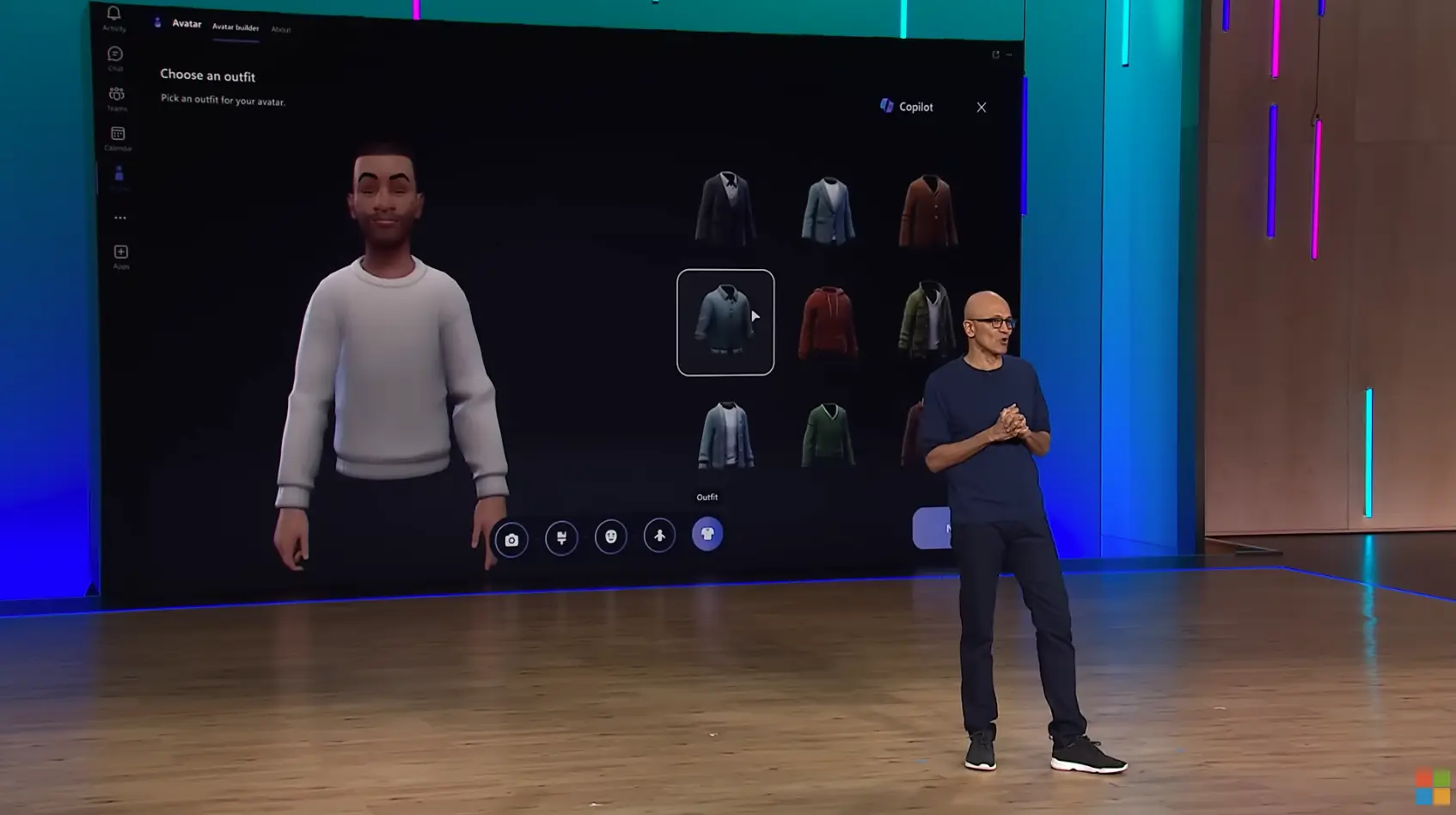
Rendering and delivery
I was a key contributor to the avatar rendering and performance pipeline, which covered avatar definitions, modular asset assembly, animation updates, and state synchronization between clients. I profiled CPU and GPU frame times across HoloLens, Quest, web, and desktop, then used level-of-detail switching and GPU instancing to stay within their different frame budgets.
What stayed with me
I came to Mesh interested in graphics, and I left with much more respect for the things people only notice when they break: input routing, asset budgets, localization, and accessibility. In a crowded event, every small cost gets multiplied by the number of people in the room. That attention to reliability still shapes the AI systems I work on today.
