Personal
DishVue
A 3D menu spanning iPhone, iPad, Apple Vision Pro, and the web. Scan a dish once, then let diners see it at table scale.
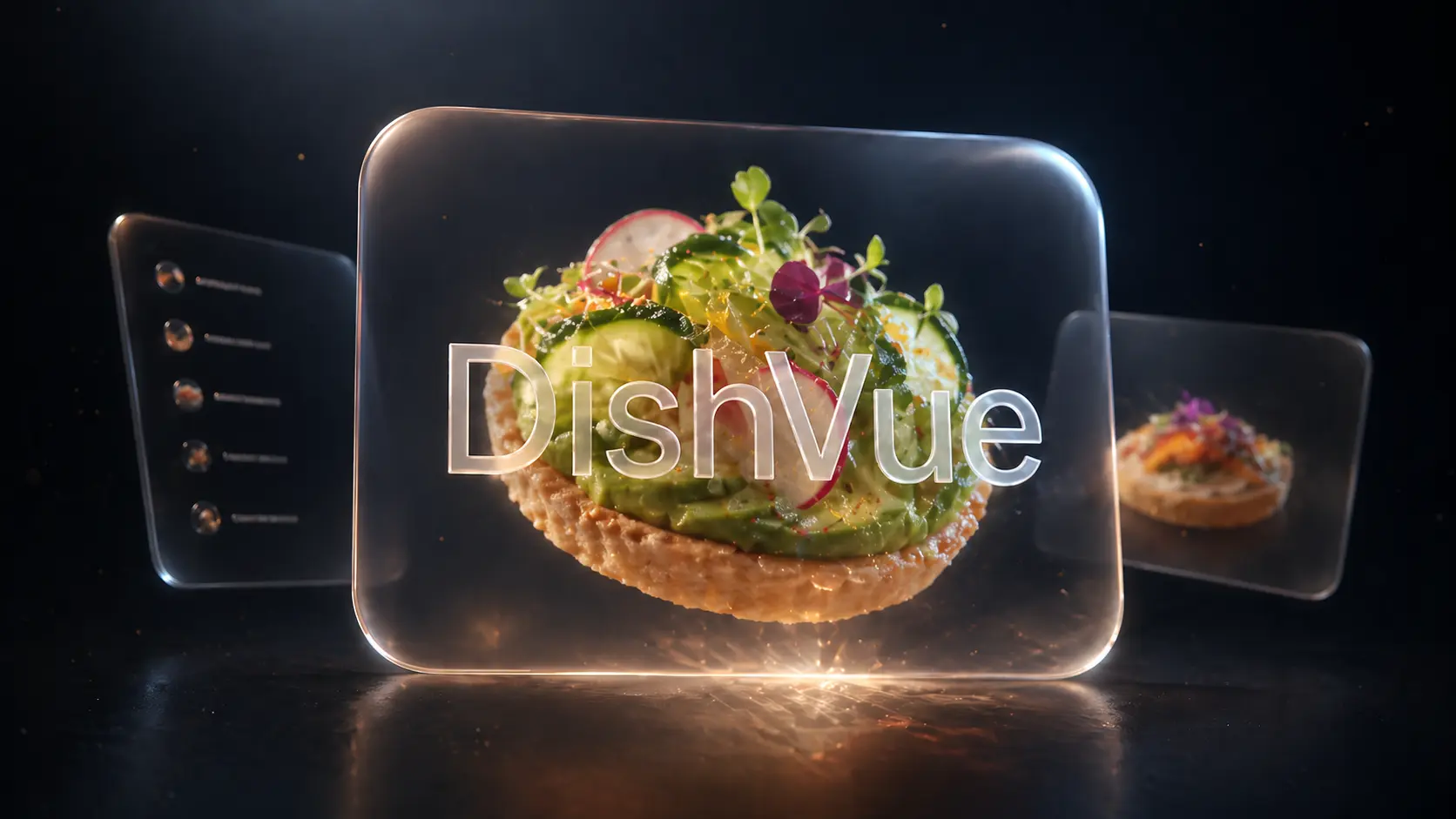
I built DishVue to connect the whole process of making a 3D menu: scan a dish, publish it, and let someone see it on the table in front of them. The demo spans iPhone, iPad, Apple Vision Pro, and the web.

Beyond the menu photo
A photo can make a dish look appealing without telling you much about its size or texture. AR menus can help, but a separate publishing workflow gives restaurant staff another system to maintain.
I wanted staff to scan a dish on a phone and have the model appear in the same menu that diners browse. On Vision Pro, the dish could then sit beside the table at its real size.
How it works
DishVue has three clients sharing one Firebase backend.
The iPhone and iPad app handles scanning, menu management, and AR previews. The visionOS app opens dishes in volumetric windows, with controls to rotate, scale, and drag-and-drop a plate. A React client makes the same menu available on the web.
The decisions that mattered
- Keep capture in the app. I built the Apple clients in SwiftUI and wrapped Object Capture in the
USDZScannerSwift Package. Staff can generate USDZ models and thumbnails locally without opening a separate tool. - Share the data model. Menu records live in Firestore and model files in Firebase Storage. All three clients use the same schema, with upload progress and a local cache in the app.
- Keep it in a window. The visionOS client uses
RealityViewinside volumetricWindowGroups instead of a full immersive space, so the menu stays beside the table. - Constrain the gestures. Dragging rotates a dish around its vertical axis so a plate can’t flip upside down. Scaling stops at 1.5x to keep the model inside the window.
What took the work
The spatial demo is what people notice, but most of my time went into keeping state in sync across the SwiftUI targets, working around quirks in Object Capture output, and deciding which interactions to leave out.
DishVue worked better as a small window with a few predictable gestures than as a full immersive scene. Personally, that is the kind of spatial interface I like most, since someone sitting at a restaurant table has a meal and a conversation to pay attention to.
